Video Tutorials and Screenshots Learn and see what FastKeys can do for you.
Video Tutorials
-
 FastKeys introduction: See how easy & powerful FastKeys is!
 -
 Introduction to FastKeys Automation Software (All features)
 -
 Text Expander Complete Tutorial (With Extra Tips).
 -
 Beginner user's guide - How to set it up easily.
-
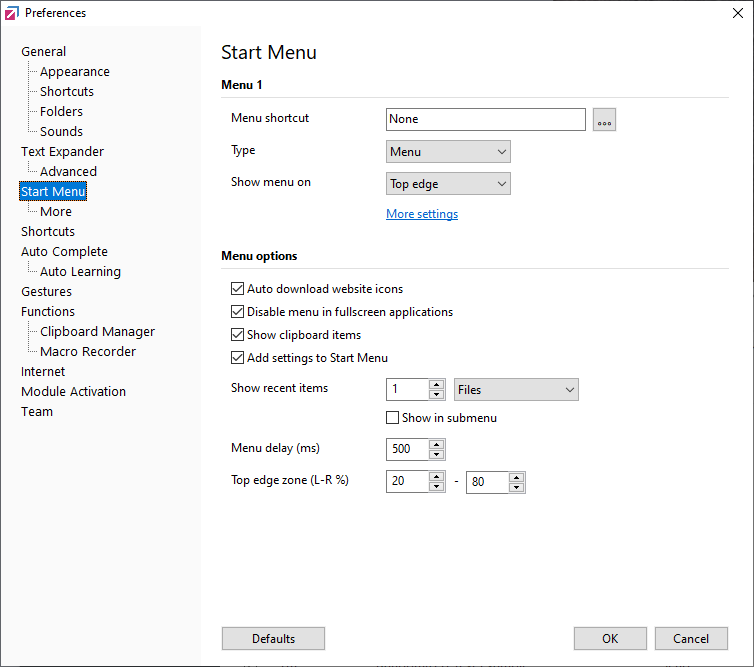
 Start Menus - Create and customize start menus to automate tasks.
-
 Manual Input Macro for Text Expander
-
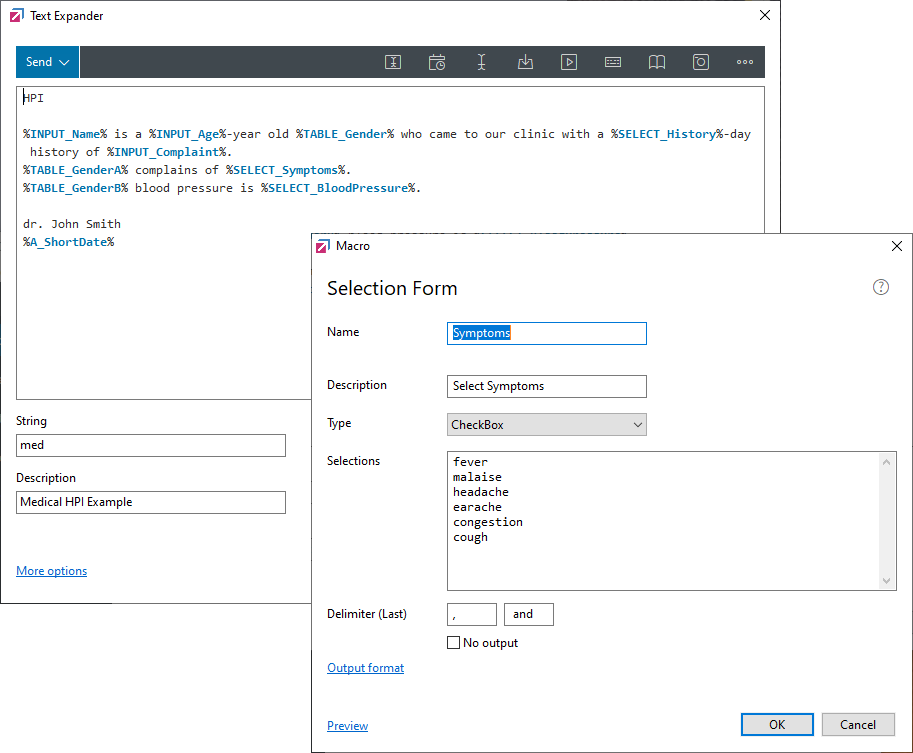
 Selection Forms for Text Expander
-
 Grid Check Macro for Text Expander
-
 User Input Macros - Create highly customized templates.
-
 Date and Time macros - Automatically inserting formatted Dates and Times.
 -
 How AutoHotkey scripting works in FastKeys
-
 Automation for Medical Doctors and Healthcare Professionals [Tutorial].
 -
 5 Tips on how to remember phrases - Ideas of great automation techniques.
 -
 Automate Cursor Position - Simple automation technique.
 -
 Simulating Keystrokes - Run commands with a single key stroke.
 -
 Macro Recorder - Record what you do and play it back when needed.
 -
 Automatically Login into Websites - Great Automation Technique.
 -
 Keyboard and Mouse Shortcuts
-
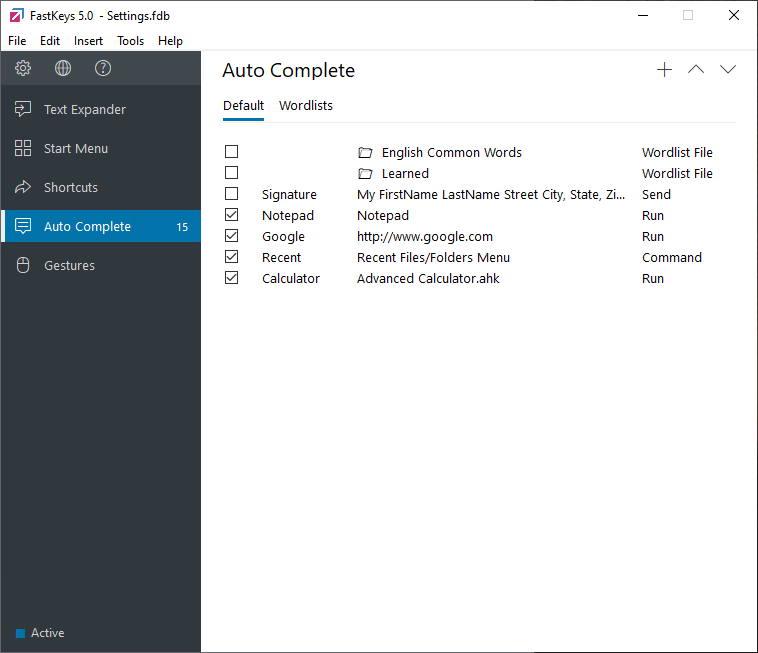
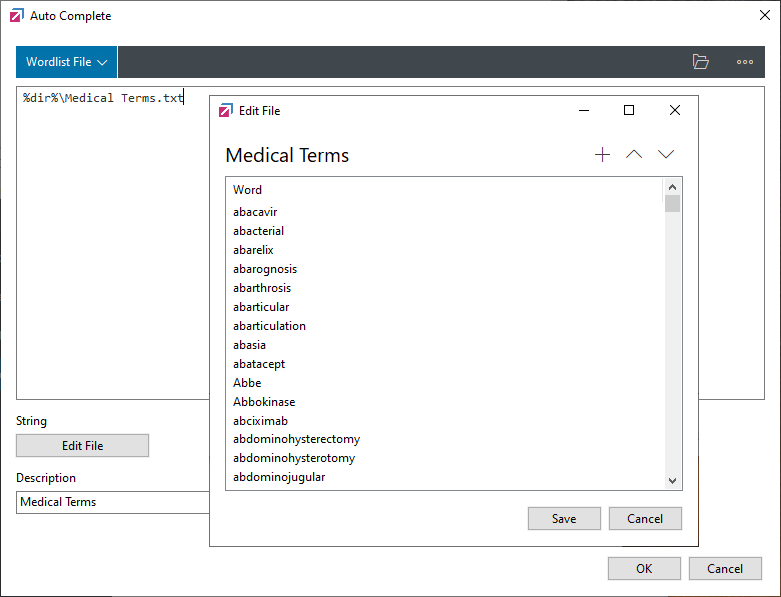
 Auto Complete - FastKeys suggests words and phrases while typing.
-
 Excel Lookup - Embed data into the Text Expander phrase.
 -
 User Variables - Define them once and then re-use them in many phrases later.
 -
 Calculation Macro in Text Expander, math calculations while typing.
 -
 Phrase Files - Text files containing multiple, simple Text Expander phrases.
-
 Team Sharing - Share the Text Expander snippets with other team members.
 -
 How to Auto Fill Forms - Filling forms by simulating keystrokes.
 -
 How to Auto Fill Advanced Web Forms by simulating keystrokes.
 -
 Create double press or long press shortcut to start anything on the computer.
-
 Send mails automatically - Email Automation.
-
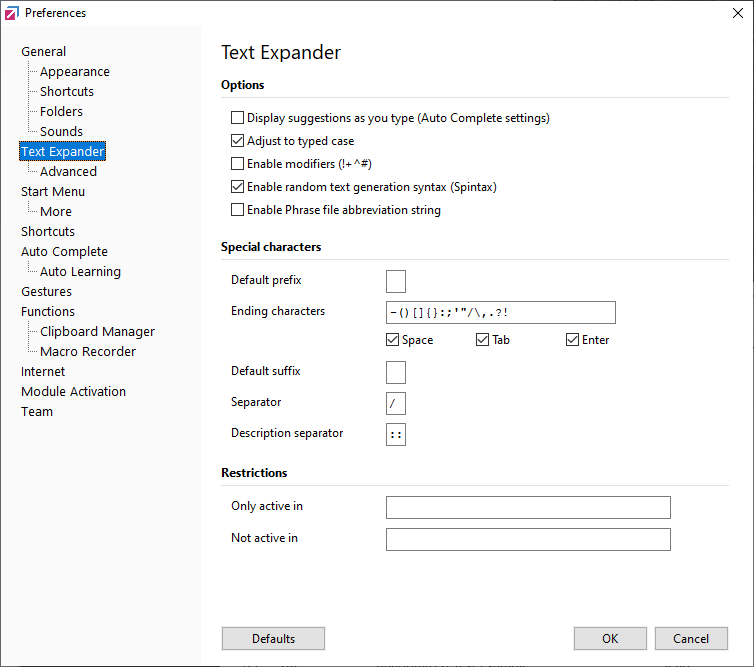
 Optional Section - Text Expander.
-
 Macro Recorder Tips and Tricks - Record computer actions and then play it back.
 -
 Excel Data Range Macro - Access Excel data anywhere.
-
 Clipboard Manager - Ultimate Productivity Hack.
-
 Text Expander Condition Macro.
 -
 Insert image into Text Expander phrase
-
 Randomize Text Expander Phrases - Spintax
-
 Enable or disable volume change with mouse scroll wheel
-
 Mouse Gestures - Supercharge Your Workflow
-
 Fill-in Forms - Customizable selection forms to speed up typing
-
 Automation Library - Discover hundreds of ready-to-use snippets
-
 Table Selection Macro for amazing writing automation
-
 How to Automate Mouse Clicks - Step by step guide
-